To upload your company logo in PVsell, use your Admin menu.
Admin menu is a permanent menu you are able to interact with from any page in PVsell. It is in the top right corner of your PVsell window.
1. Open the Account menu (top rightmost)
- Click on your company's name in the top rightmost corner of any page in PVsell,
- then click on Admin in the menu that appears

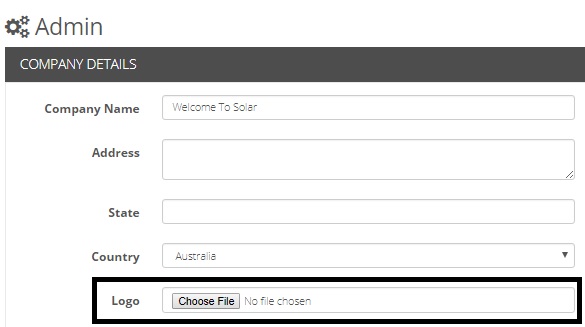
2. Upload logo
- Press [Browse] to upload your logo
- After selecting image, press Save.
0 Comments