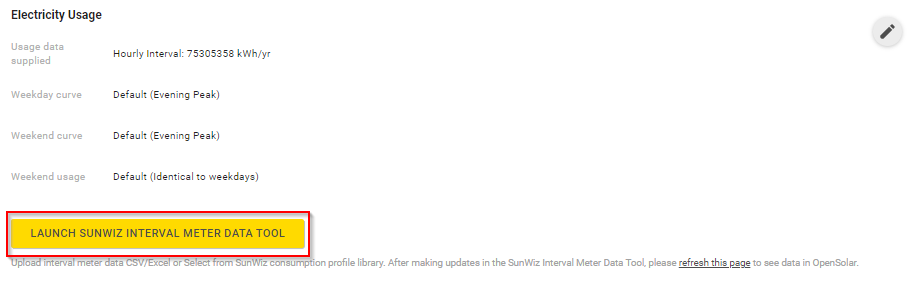
1. Launch Sunwiz Meter data Conversion tool via your OpenSolar project page
2. Open the consumption profile library by pressing "Load More"
Access the consumption profile library by hitting "Load More".

3. In a pop up window that appears, choose the consumption profile you wish to load, and click on the selected profile
Here you can choose a load profile from your library to use in a project. For example, the image below has an "Inbuilt - Commercial" profile you could load if you're quoting on a commercial project.
Locating the right consumption profile for your customer
Use any or all of the search fields to find the necessary consumption profile quickly and easily:
- Search by Name -
enter the name of the consumption profile in this field and press Enter - Search by Description -
enter the description of the consumption profile in this field and press Enter - Choose the Usage Type -
click on this field, then click "Residential" or "Commercial" in the dropdown list - Choose the Type -
click on this field, then click "Editable" or "Meter data" in the dropdown list - Sort the profiles by the date they were last updated (in ascending or descending order)
- Navigate between the pages of the list of the consumption profiles in the library


You will lose all information on your currently loaded profile if you continue and load a consumption profile. Make sure you have saved changes in the currently loaded one.
Note:
We highly recommend you to familiarize yourself with the available profiles from our consumption profile library - this allows you to quickly choose the right profile for your customer when you need it. Also, don't just rely on the "Name" and "Description" when searching for a profile - the consumption patterns of a certain profile with a different name might match your customers consumption perfectly.
4. Click "Load"
Click "Load" to load the selected consumption profile from your library (or click "Cancel" if you wish to go back)

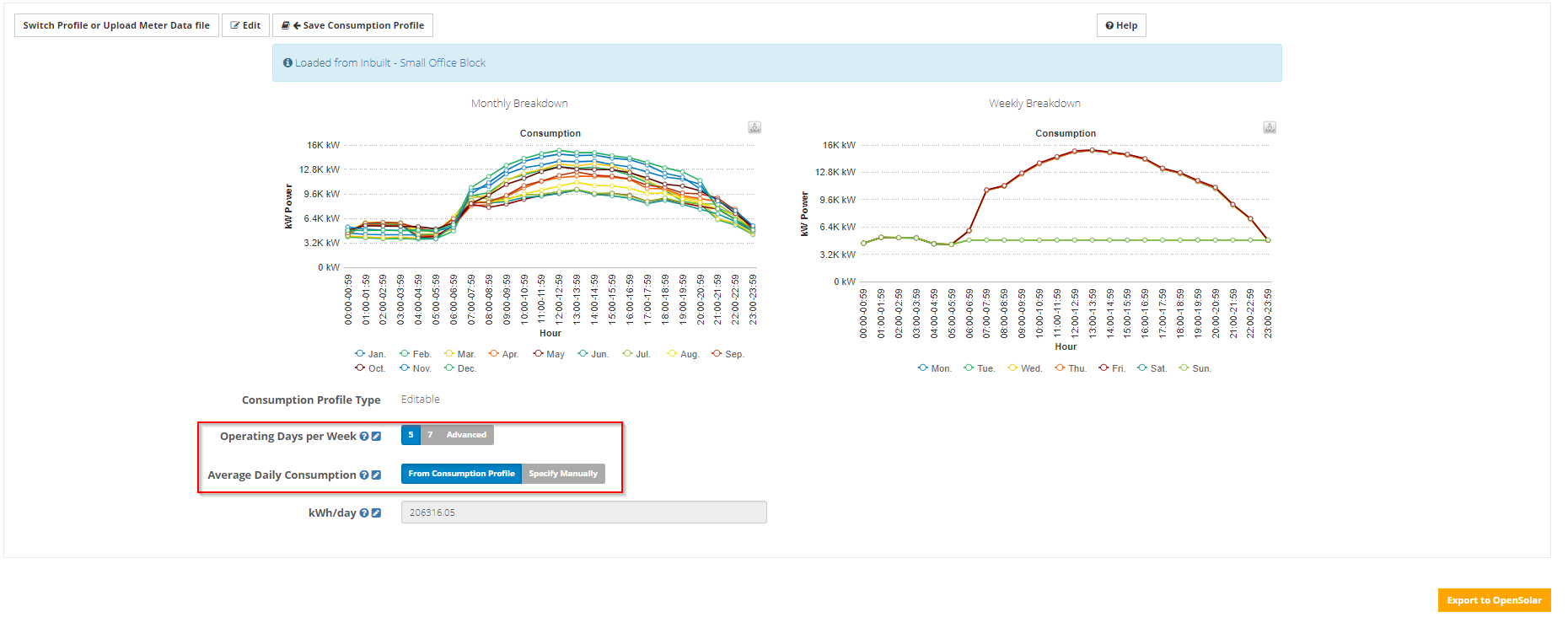
5. Done! You have loaded a consumption profile, and can now tailor it to your project before sending it over to your OpenSolar.
It's important to scale your consumption profile to your customers consumption before using it. In order to apply your customers average daily consumption - simply select "Specify Manually" and enter your customers average daily consumption in kWh/day. For a detailed description see:
Adjusting the average daily consumption
If required - you can also adjust the "Operating days per week". For a detailed description see:
Adjust operating days of my consumption profile
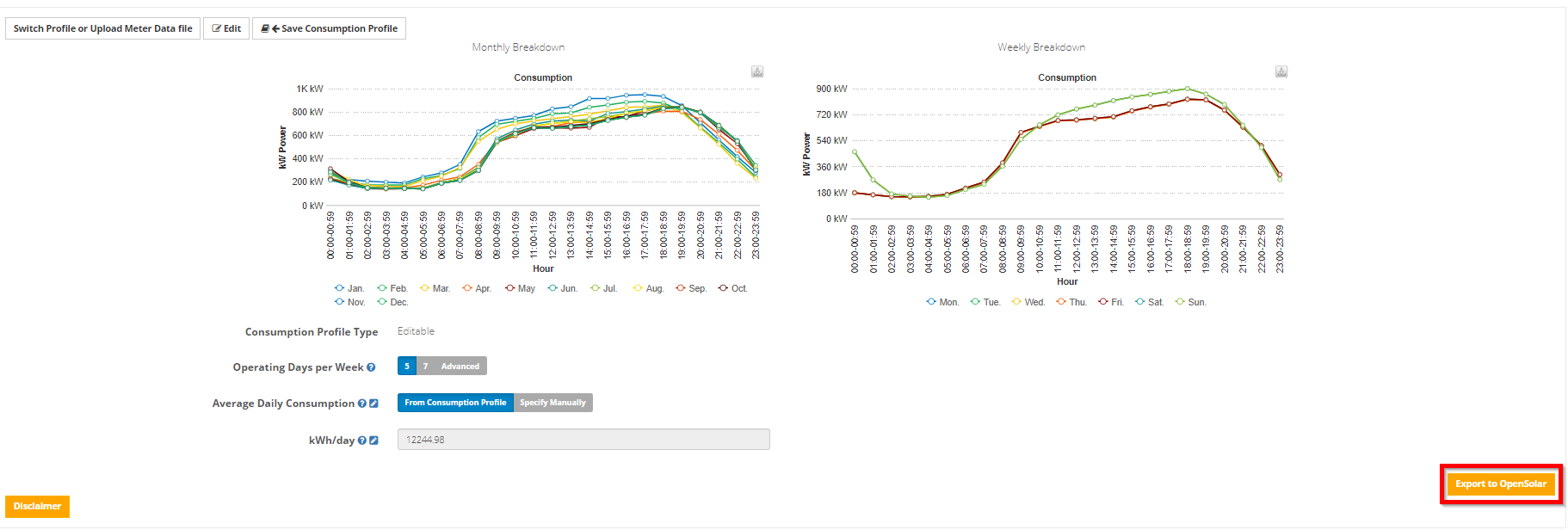
6. Push the data to your OpenSolar project
Just press the Export to OpenSolar button on the bottom right
0 Comments